
Canva vs Photoshop for Beginners - Which Is Better in 2026?
Canva vs Photoshop for beginners is a common debate in 2026.
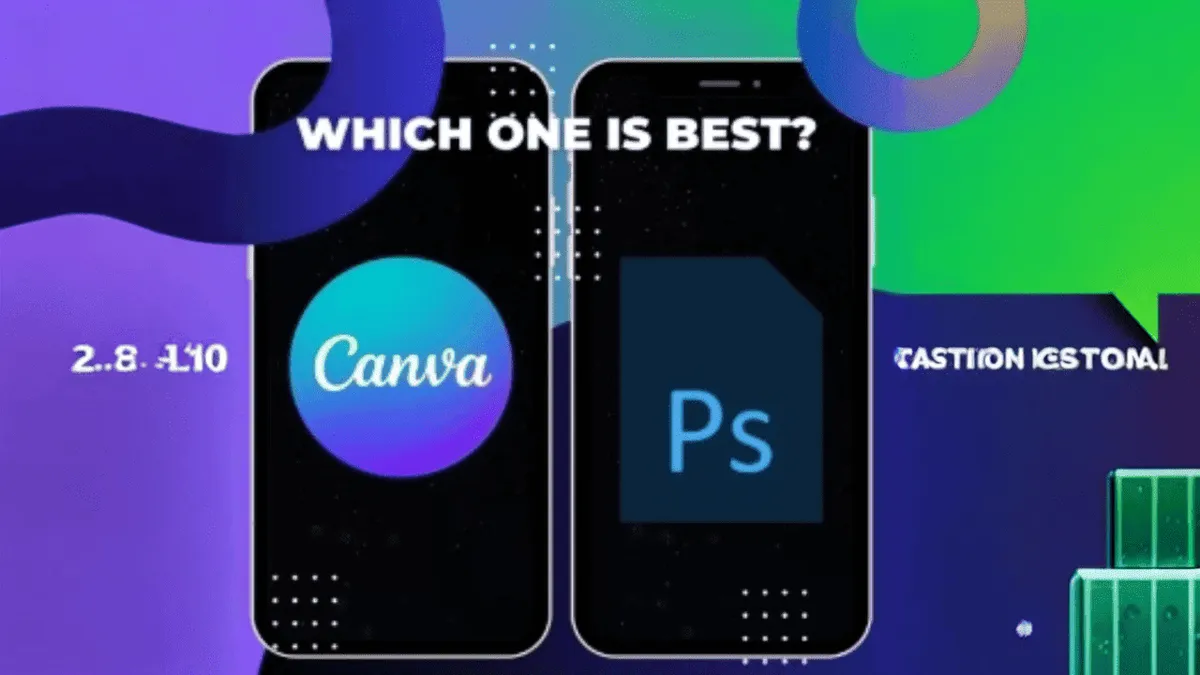
Canva vs Photoshop for beginners is one of the most common debates in the design world today. Both are powerful design tools, but they serve very different purposes and skill levels. If you are just starting out with design, choosing the right tool can save you time, money, and a lot of frustration.
In this detailed guide, I will compare Canva and Photoshop side by side. I will explain what each tool does best, who it is for, and which one you should choose based on your needs in 2026.
What Is Canva?
Canva is a browser-based design platform that makes creating graphics incredibly easy. You do not need any design experience to get started. It offers thousands of templates for social media posts, presentations, posters, flyers, resumes, and more.
Canva is popular because it is simple, affordable, and accessible. You can use it for free, or upgrade to Canva Pro for additional features like brand kits, background removal, and premium templates.
What Is Photoshop?
Adobe Photoshop is the industry standard for photo editing and graphic design. It has been around for decades and is used by professional photographers, graphic designers, and digital artists worldwide.
Photoshop offers unmatched control over every aspect of an image. From layers and masks to advanced color grading and retouching, it gives you full creative freedom. However, it comes with a steep learning curve.
Canva vs Photoshop for Beginners: Key Differences
Understanding the core differences between these two tools will help you make the right choice.
1. Ease of Use
Canva is designed for beginners. Its drag-and-drop interface is intuitive and requires no training. You can create a professional-looking design in minutes.
Photoshop, on the other hand, has a complex interface with hundreds of tools and menus. It takes weeks or months to become comfortable with it.
2. Pricing
Canva offers a generous free plan that covers most basic needs. Canva Pro costs around $12.99 per month and unlocks premium features.
Photoshop requires a subscription to Adobe Creative Cloud, which starts at about $22.99 per month. There is no free version.
3. Features and Flexibility
Canva is great for quick designs, social media content, and simple projects. It has pre-made templates and elements that make design effortless.
Photoshop offers far more advanced features. You can manipulate images at the pixel level, create complex composites, and work with RAW files. It is the go-to tool for professional photo editing.
4. Learning Curve
Canva has virtually no learning curve. If you can use a web browser, you can use Canva.
Photoshop has a steep learning curve. Tutorials and courses are available, but it takes time to master.
5. Output Quality
For simple graphics and social media, Canva produces excellent results. However, for high-resolution print work or detailed photo editing, Photoshop is superior.
When Should You Choose Canva?
Canva is the better choice if you:
- Are a complete beginner with no design experience
- Need quick social media posts or simple graphics
- Want a free or low-cost design solution
- Do not need advanced photo editing or manipulation
- Collaborate with a team on design projects
When Should You Choose Photoshop?
Photoshop is the better choice if you:
- Want to learn professional graphic design or photo editing
- Need advanced features like layers, masks, and RAW editing
- Work in a creative agency or studio
- Create complex composites or digital art
- Need pixel-level control over your images
Can You Use Both Together?
Absolutely. Many designers use Canva for quick tasks and social media graphics, then switch to Photoshop for more complex projects. They complement each other well.
Final Verdict
For beginners in 2026, Canva is the clear winner. It is easier to learn, more affordable, and perfect for most everyday design needs. Once you outgrow Canva and need more advanced features, you can always upgrade to Photoshop later.
Remember, the best tool is the one that helps you get the job done. Do not feel pressured to use Photoshop just because professionals use it. Start with Canva, build your confidence, and expand from there.
Related articles
How to Use Canva for Beginners
Learning how to use Canva for beginners is easier than you think.
Notion Beginner Guide
A practical Notion beginner guide to help you get started with Notion in 2026.
How to Clean Laptop Storage
Simple steps to clean laptop storage and get things back to normal.